AI Ebook Design Guide: Tools, Layout and KDP Checks
AI ebook design works best as a controlled workflow: choose the file format, draft covers and layouts with AI, apply consistent typography, then inspect every export. Use reflowable EPUB for text-heavy Kindle books, PDF for fixed-page downloads or print, and the relevant preview tools before publishing.
By Greg Hay — founder, AI Write My Book · Design sources last verified 16 November 2026
TL;DR
- Decide whether readers need resizable text or an exact page before choosing software.
- Use AI to propose options, not to make unreviewed final decisions about typography, images or navigation.
- Canva suits covers and fixed-page documents; dedicated formatters are the clearer route when you need EPUB or a paperback package.
- Check ebook and print files separately, and disclose AI-generated text or artwork when KDP requires it.
Should your ebook be reflowable, fixed-layout or PDF?
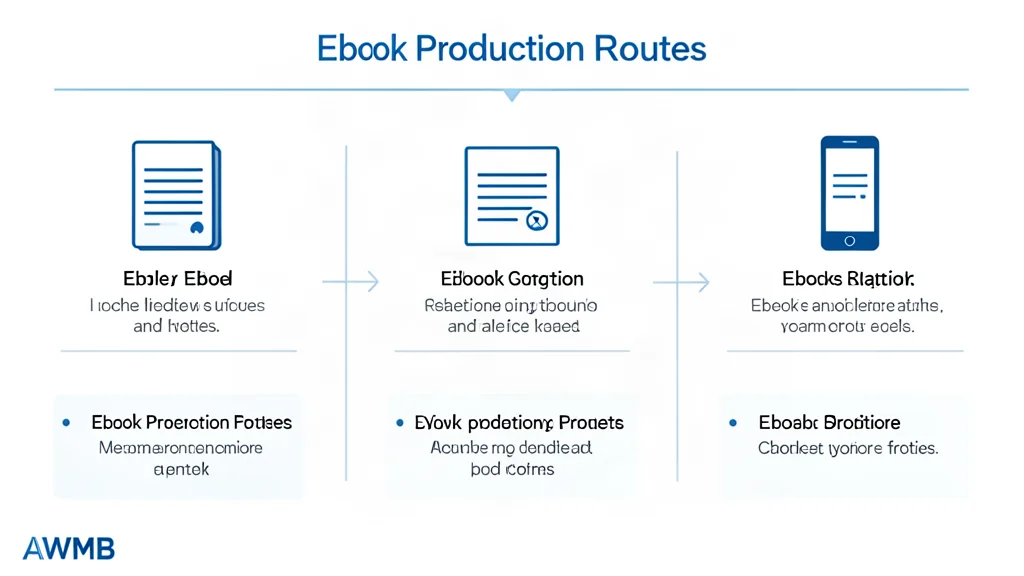
Start with the reading experience, not a tool logo. A reflowable ebook lets readers resize text and adapts to their screen. A fixed-layout ebook keeps a set page size and typically does not let readers adjust text size. EPUB can support either approach; fixed-layout is not simply another name for PDF.[2]
For a novel, memoir or text-heavy guide, reflowable output is usually the practical choice. KDP lists EPUB, DOC/DOCX and KPF for reflowable books, while its fixed-layout routes include KPF and EPUB. KDP also accepts PDF for ebooks in specified languages, but that does not make a print PDF the safest default for a text-heavy Kindle book. Validate the result in Kindle Previewer rather than assuming conversion preserved the design.[2][3]
A PDF is useful when exact placement matters: a workbook downloaded from your site, a visual lead magnet or a print interior. The trade-off is that a page designed for one size can be awkward on a small screen. If exact positioning is not essential, choose a reflowable edition as well instead of forcing every reader into the same page shape.
How do you turn a manuscript into a design brief?
Before generating artwork, write a one-page design brief. Name the reader, book type, primary device or channel, tone, and the files you must deliver. A business lead magnet and a Kindle romance should not share a layout merely because the same AI tool made both.
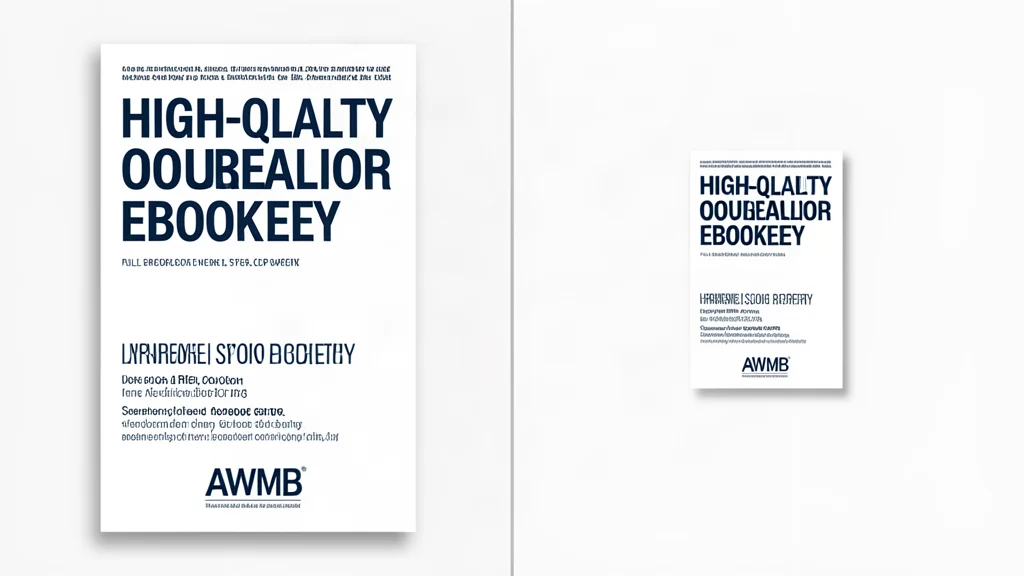
Next, create a small style system rather than prompting page by page. Specify one body-text style, three heading levels at most, a caption style, a callout style, spacing rules and a restrained colour palette. Include an example chapter containing a list, table, image, quotation and chapter opening. Ask AI to apply the system to that sample, then correct it before processing the whole manuscript.
Finish the brief with non-negotiables: no invented quotations, no unlicensed logos, no text embedded inside generated artwork unless you have checked it letter by letter, and no export until the contents links work. These constraints make later tool comparisons easier because every route must produce the same test chapter.
What makes an AI-generated cover look professional?
A cover must communicate genre and title hierarchy at thumbnail size, not just look detailed at full size. Put the title, subtitle and author name through a simple test: shrink the design to a small on-screen thumbnail, then check whether the title remains readable and the main image still has a clear focal point. Keep important text away from the edges and avoid letting generated detail compete with the lettering.
There is also a metadata reason to supply a proper cover. NielsenIQ BookData’s 2026 analysis combined bibliographic records with BookScan point-of-sale data for the top 100,000 bestselling UK printed books of 2025. Titles with a cover image sold 73% more copies on average than those without one. That is a correlation for printed-book metadata, not evidence that an AI-generated cover will cause higher ebook sales.[1]
Use AI for several visual directions, then choose and edit deliberately. Check hands, faces, objects, typography and unintended brand marks at full resolution. Confirm that your chosen assets are licensed for the intended use; Canva, for example, points users to its licence for permitted ebook products.[4] For dimensional calculations and the separate ebook, paperback and hardcover files, use the AWMB KDP cover-dimensions guide as a companion checklist.
Which AI ebook design tools fit your workflow?
No single route is best for every book. Choose by the output you need and the amount of manual control you want, then run the same sample chapter through the contender. The capabilities below are vendor-documented features, not independent performance rankings or guarantees of store approval.
| Route | Best fit | Documented output and boundary |
|---|---|---|
| Canva Magic Design | Covers, visual documents and fixed-page lead magnets | AI-assisted design concepts; documented exports include JPG, PNG, PDF and PPTX. Use a separate EPUB route when required.[4] |
| Inkfluence AI | Combined AI writing and formatting | PDF, EPUB 3 and DOCX exports; a KDP package with print interior, wrap cover, Kindle cover and EPUB is available on paid plans or credit packs.[5] |
| BookAutoAI EPUB Converter | A finished manuscript needing a reflowable digital edition | DOCX, PDF or a saved manuscript becomes a downloadable reflowable EPUB 3 with confirmed metadata and cover options.[6] |
| ebookDONE | Pay-per-book production from a manuscript or idea | Documented package includes a 6×9 print PDF, wrap cover, Kindle EPUB, DOCX, ebook PDF and listing materials, with a free preview.[7] |
| Kindle Create | Amazon-specific manual formatting | PC/Mac tool for reflowable, Print Replica and Guided View projects; exports KPF, with EPUB export available only for reflowable books.[8] |
Canva: design-first, not an automatic Kindle formatter
Magic Design can generate design directions for documents and other formats. Canva lists JPG, PNG, PDF and PPTX exports on the cited product page.[4] That makes it useful for cover concepts and fixed-page ebooks, but you should not assume that a visually successful Canva PDF is a reflowable EPUB. If Kindle is a target, plan the EPUB or KPF step explicitly and inspect its typography again after conversion.
Inkfluence AI: one workspace with several exports
Inkfluence AI documents EPUB 3 with linked contents and an embedded cover, DOCX for editing, and a KDP package containing a print interior, wrap cover, front-cover JPG, Kindle EPUB and a settings file. EPUB, DOCX and the KDP package require a paid plan or credit pack.[5] This route can reduce file handoffs, but you still need to check the generated prose, artwork and each exported edition independently.
BookAutoAI: focused EPUB conversion
BookAutoAI accepts a finished DOCX or PDF, or a manuscript already saved in its system, and returns a reflowable EPUB 3 with the selected metadata and cover. The vendor recommends DOCX and warns that fixed-layout PDF structure may need additional review.[6] Its own documentation says package validation does not guarantee store approval, which is the right standard to apply to every tool in this section.[6]
ebookDONE: a documented pay-per-book package
ebookDONE lists typeset chapters, cover art, a 6×9 print-interior PDF, a wrap cover, Kindle EPUB, DOCX, ebook PDF and listing materials. It offers a free preview before payment.[7] The 6×9 print size is the documented constraint to notice: if your project needs another trim, confirm support before relying on the package.
Kindle Create: a useful Amazon baseline
Kindle Create provides Amazon-specific reflowable, Print Replica and Guided View routes. It exports KPF and EPUB, but EPUB export is only for reflowable projects.[8] Even if you prefer another design tool, this documentation is a useful reminder that format features differ. A fixed-page effect in one export does not necessarily survive in another.
Your book, written for you, starting at only $97.
See How It Works →Which interior design principles matter most?
Build a readable hierarchy
Use consistent chapter titles, section headings and body text rather than styling every page independently. Readers should recognise a new chapter, a subsection, a caption and a callout without decoding a new visual language. For reflowable books, semantic headings matter more than a fixed font size because the reader and device can change presentation.
Use white space as structure
Shorten overlong paragraphs and separate genuine shifts in ideas. Do not ask AI to turn every sentence into a bullet or every section into a callout; emphasis works only when it is selective. A useful test is to read three consecutive pages or screens and mark where your attention drops, then revise the content before adding decoration.
Keep typography restrained
Choose fonts and colours for legibility, not novelty. Check heading contrast, line length, list indentation and table behaviour on both a large screen and a phone. For fixed-page work, verify that no text sits too close to trim. For reflowable work, increase text size in the reader and look for broken tables, clipped images and headings separated from the paragraph they introduce.
Make images earn their place
Use diagrams when they explain a process, charts when the underlying data is real, and illustrations when they support the reading experience. Give every informational image useful alt text and keep captions near the image they describe. Do not generate a chart from invented numbers or use decorative artwork to hide a thin explanation.
Preserve a coherent visual system
Repeat the same heading logic, caption treatment, icon family and palette throughout the book. AI output can drift between prompts, so compare the first and last chapters side by side. Consistency is a quality check you can perform systematically: list each style in the brief, then inspect actual exports against that list.
How do you make navigation and accessibility part of the design?
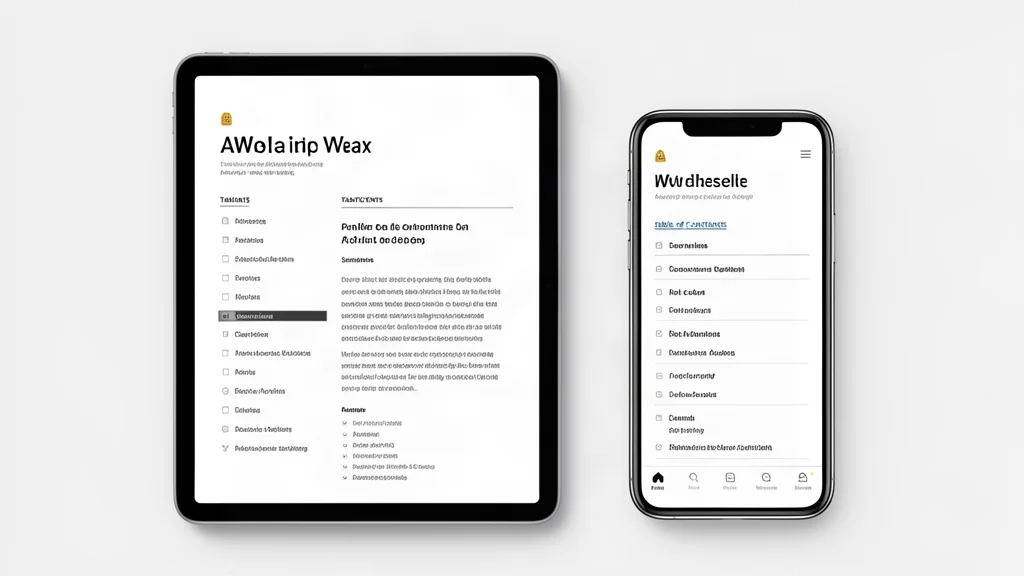
Create a logical contents structure before export. Chapter titles should use real heading styles, contents entries should lead to the correct sections, and links should describe their destination. Test every internal link in the exported ebook rather than checking only the source document.
Review the book at larger text sizes and on more than one screen. Look for reading-order problems in multi-column layouts, text embedded inside images without an alternative, tables that require sideways scrolling, and captions detached from their images. If a complex visual cannot be made readable in reflowable form, simplify it or provide an equivalent text explanation.
Treat accessibility as part of the design brief, not a final repair. A clean reflowable edition is often more useful than a visually elaborate fixed page, while a fixed-layout project needs extra scrutiny because KDP describes its text as non-adjustable.[2] Keep the reader’s needs visible in the acceptance checklist for every export.
What should you check before a KDP upload?
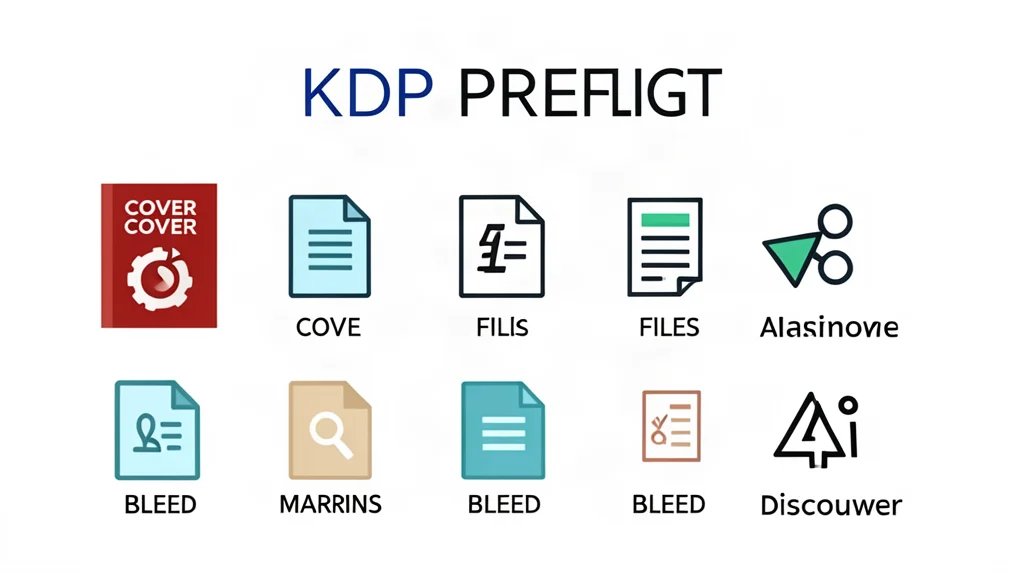
Separate the checks by edition. A Kindle marketing cover is supplied separately from the ebook file. KDP’s current guidelines list JPEG, PNG, non-animated GIF and TIFF as accepted formats, a maximum file size of 50 MB, and recommended dimensions of 2,560 by 1,600 pixels; JPEG is preferred.[9] Do not substitute a paperback wrap for this front-cover asset.
For a paperback, calculate the full wrap from the final trim, paper and page count. KDP specifies bleed on covers, CMYK images and a minimum 300 DPI for cover images.[11] Interior margins depend on page count and bleed. For example, KDP’s 24–150-page row lists a 0.375-inch inside margin, at least 0.25-inch outside margins without bleed and at least 0.375-inch outside margins with bleed; other page counts use different inside margins.[10] Treat these as edition-specific values, not a universal template.
Check the manuscript format and preview the actual upload candidate. KDP supports EPUB that meets its specifications and recommends validation with Kindle Previewer; DOC/DOCX can convert well, but complex formatting may not.[3] For print, inspect the final PDF for trim, margins, bleed, fonts, page order and image quality. For a broader upload walkthrough, use the AWMB Amazon KDP publishing guide.
Finally, classify AI use accurately. KDP requires disclosure of AI-generated text, images or translations when publishing or republishing, including cover and interior artwork. AI-generated material remains generated after substantial edits. AI-assisted editing or brainstorming does not require disclosure, and the publisher remains responsible for rights and guideline compliance.[12] Read the AWMB KDP AI-rules guide alongside the current Amazon policy before answering the upload questions.
Your book, written for you, starting at only $97.
See How It Works →Why is human review still the final design tool?
AI can propose a coherent-looking page while hiding a factual, licensing or navigation error. Review the manuscript before layout, the layout before export, and the exported file before upload. These are three different passes: content accuracy, visual consistency and technical integrity.
Keep a small defect log with the chapter, edition, problem, correction and retest result. Examples include a contents link that opens the wrong chapter, a table clipped at large text size, an ebook cover exported in the wrong role, or AI artwork that triggers the disclosure requirement. Fixing one master file without rechecking every affected export leaves the reader-facing problem in place.
If you want a grounded example of why drafting speed does not remove review work, read Greg’s real AI book project case study. The same lesson applies to design: automation can accelerate the first candidate, but acceptance remains a human responsibility.
Frequently asked questions
Can AI design a professional ebook without a designer?
AI can produce useful cover directions and formatted files, but professional acceptance still requires typography, content, rights and device checks. Use the sample-chapter test in this guide. If a route cannot produce the exact EPUB, print PDF or cover set you need, change the route rather than lowering the requirement.
Is a PDF suitable for a Kindle ebook?
PDF and fixed-layout ebook are not interchangeable terms. KDP accepts PDF in specified languages, but it lists EPUB, DOC/DOCX and KPF for reflowable books and KPF or EPUB for fixed-layout books.[2][3] Choose the format for the reading experience, then preview the converted file before publishing.
Do you need to disclose an AI-generated cover on KDP?
Yes when the cover is AI-generated. KDP expressly includes cover and interior images in its AI-generated-content disclosure rule. Substantial editing does not change generated content into assisted content; AI-assisted refinement of your own work follows a different rule.[12]
Can you reuse one cover file for ebook and paperback?
You can reuse the visual concept, but not necessarily the same file. A Kindle marketing cover is a separate front-cover asset, while a paperback cover wraps around the back, spine and front and depends on final production dimensions.[9][11] Recalculate the wrap after any page-count or trim change.
Which tool is best for a reflowable EPUB?
For a finished manuscript, BookAutoAI documents a focused reflowable EPUB 3 converter; Inkfluence AI also documents EPUB 3, while Kindle Create supports EPUB export for reflowable projects.[5][6][8] Test your own chapter, metadata, images and contents links. A vendor’s export label is not a substitute for store-specific validation.
Does a better AI cover guarantee more sales?
No. The NielsenIQ finding cited here concerns correlations in UK printed-book metadata, not a causal test of AI covers or ebook sales.[1] Use clear genre signals and readable title hierarchy, then judge the finished asset itself rather than expecting the production method to create demand.
Next step: finish the book before you polish the file
If your remaining bottleneck is the manuscript rather than the layout, start with a clear book brief. You can brief AI Write My Book on the order form and then use this guide to assess the cover and file options you actually need. Keep the design brief, source assets, exports and defect log together so every later edition starts from a controlled version.
Sources
[1] https://nielseniq.com/wp-content/uploads/sites/4/2026/11/NIQBD_Press_Release_Metadata_White_Paper_2026.pdf — NielsenIQ BookData, The Importance of Metadata for Discoverability and Sales 2026 announcement and methodology.
[2] https://kdp.amazon.com/en_US/help/topic/GULSQMHU5MNH4EZM — Amazon KDP, reflowable and fixed-layout definitions and accepted creation routes.
[3] https://kdp.amazon.com/en_US/help/topic/G200634390/ — Amazon KDP, supported ebook manuscript formats and Kindle Previewer guidance.
[4] https://www.canva.com/magic-design/ — Canva, Magic Design capabilities, exports and licensing pointer.
[5] https://www.inkfluenceai.com/ai-book-formatter — Inkfluence AI, documented PDF, EPUB 3, DOCX and KDP package exports.
[6] https://bookautoai.com/epub-converter — BookAutoAI, reflowable EPUB 3 conversion and store-approval limitation.
[7] https://www.ebookdone.com/ — ebookDONE, documented file package and free preview.
[8] https://kdp.amazon.com/en_US/help/topic/GUGQ4WDZ92F733GC — Amazon KDP, Kindle Create book types and export formats.
[9] https://kdp.amazon.com/en_US/help/topic/G6GTK3T3NUHKLEFX — Amazon KDP, Kindle marketing-cover requirements and recommendations.
[10] https://kdp.amazon.com/en_US/help/topic/GVBQ3CMEQW3W2VL6/ — Amazon KDP, trim, bleed and margin requirements.
[11] https://kdp.amazon.com/en_US/help/topic/G201953020 — Amazon KDP, paperback cover setup, bleed and image requirements.
[12] https://kdp.amazon.com/en_US/help/topic/G200672390 — Amazon KDP, AI-generated and AI-assisted content definitions and disclosure rule.